
ChatGPT Atlas Shutdown Explained: How to Export Your Data and Secure AI Browsers in 2026
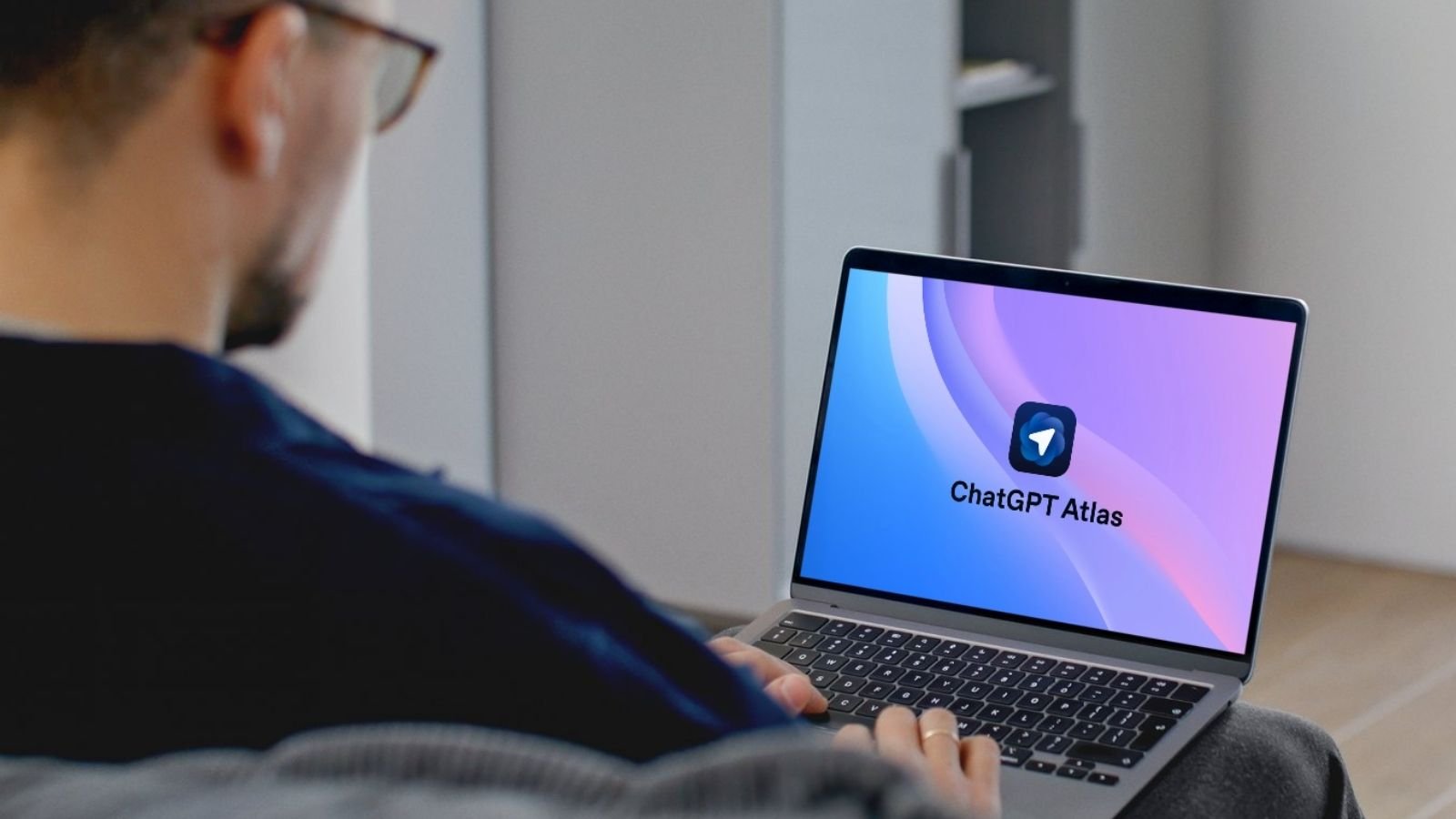
OpenAI officially retired and shut down ChatGPT Atlas, its standalone macOS AI web browser, on August 9, 2026—less than ten months after its October 2025 debut. Rather than competing head-on with Google Chrome and Safari for traditional tab-based market share, OpenAI deprecated the standalone browser on July 9 and folded its agentic browsing capabilities into ChatGPT Work, a unified desktop workspace combining chat, coding via Codex, research, and automated web tasks.
For individual users and enterprise IT teams still searching for ChatGPT Atlas downloads, data recovery, or replacements, the transition carries two immediate priorities: safely migrating leftover local browser files and securing the new wave of autonomous AI browsers with Virtual Private Networks (VPNs) and strict endpoint controls.
Why OpenAI Retired ChatGPT Atlas for ‘ChatGPT Work’
When OpenAI introduced ChatGPT Atlas on October 21, 2025, it pitched an AI-first browser built around an Ask ChatGPT sidebar, optional browser memories, and a preview Agent mode capable of clicking through websites to book travel or compile research. By March 2026, however, OpenAI leadership concluded that maintaining a separate browser created unnecessary product fragmentation.
Retiring Atlas allowed OpenAI to consolidate engineering resources into a single enterprise-ready workspace—a broader infrastructure shift mirroring how Microsoft and Amazon are reallocating billions toward core AI platforms rather than peripheral consumer apps. In OpenAI’s updated product architecture, web browsing is no longer a standalone application; it is an embedded execution layer inside ChatGPT Work.
How to Export Your ChatGPT Atlas Bookmarks, Passwords, and Data
According to OpenAI’s official ChatGPT Atlas retirement documentation, Atlas no longer receives security updates, and local browsing data does not automatically sync to your main ChatGPT account. If you still have Atlas installed on a Mac or have local export files on disk, follow these steps to migrate cleanly:
- Import Saved Bookmarks: Open Google Chrome or Safari, navigate to Bookmarks and lists > Import bookmarks and settings, and select the HTML bookmarks file you previously exported from Atlas.
- Migrate & Purge Password CSVs: Import any exported Atlas password CSV file into Google Password Manager or Apple Passwords, then permanently delete the CSV file immediately—it stores credentials in unencrypted plain text.
- Re-Authenticate Active Sessions: Open tabs, browsing history, cookies, and signed-in sessions do not transfer automatically, requiring manual sign-ins on your replacement browser.
- Clear Local Atlas Memories: Deleting your standard ChatGPT chat history does not erase local Atlas browser memories or cookies; if you no longer need saved data, uninstall the application completely from macOS.
The Hidden Security Risk of AI Browsers—And Why VPNs Matter
Even after ChatGPT Atlas’s retirement, autonomous web browsing has rapidly become standard across enterprise software—and with it comes a severe attack surface. At Atlas’s launch, OpenAI Chief Information Security Officer Dane Stuckey warned that browser agents are vulnerable to indirect prompt injection, where hidden malicious instructions embedded inside webpages or emails trick an AI agent into exfiltrating sensitive data or executing unauthorized actions.
As hybrid teams adopt replacement AI browsers and cloud workspaces, security leaders across the US, UK, and India’s enterprise hubs are pairing AI tools with dedicated network encryption—a governance trend visible as Delhi-NCR executives mandate VPNs for remote teams:
- Protecting Live Session Cookies: Agentic browsers rely on active logged-in sessions to perform tasks across CRM, banking, and cloud portals. Routing traffic through an encrypted VPN tunnel prevents man-in-the-middle packet sniffing on airport, hotel, and café Wi-Fi networks.
- Blocking Malicious Prompt-Injection Domains: Modern enterprise VPNs enforce network-level DNS threat filtering, blocking known phishing and exploit domains before an autonomous browser agent can load hidden instructions.
- Static-IP Conditional Access: IT administrators can lock corporate AI workspaces and cloud suites—especially during turbulent infrastructure cycles like the outage that triggered Microsoft’s internal Code Red—so logins are accepted only from verified corporate VPN gateways.
Post-Atlas AI Browser Alternatives & Security Comparison (2026)
For organizations replacing ChatGPT Atlas across Windows, macOS, and mobile fleets, four primary AI browsing platforms dominate the market:
| Platform | Developer | Core AI Browsing Capability | Enterprise Security & VPN Guidance |
| ChatGPT Work | OpenAI | Unified desktop workspace merging ChatGPT, Codex, and web agent workflows | Pair with static-IP VPN access and strict workspace data controls |
| Google Chrome with Gemini | On-demand tab reasoning and cross-app synthesis with Gmail and Google Flights | Enforce device-level VPN encryption and Chrome Enterprise policies | |
| Perplexity Comet | Perplexity AI | Standalone cross-platform AI browser (macOS, Windows, iOS, Android) | Run in logged-out mode for untrusted research; route via DNS-filtered VPN |
| Microsoft Edge with Copilot | Microsoft | Integrated Copilot side-pane and Browse with Copilot agent workflows | Use full-device VPN rather than browser-only proxies for complete traffic coverage |
Frequently Asked Questions: ChatGPT Atlas Retirement
Is ChatGPT Atlas still available to download in 2026?
No. OpenAI deprecated ChatGPT Atlas in July 2026 and officially shut it down on August 9, 2026. The application no longer receives updates and has been superseded by ChatGPT Work.
Why did OpenAI shut down ChatGPT Atlas?
OpenAI retired ChatGPT Atlas to eliminate product fragmentation and consolidate its desktop app, Codex coding assistant, and agentic web-browsing tools into a single unified platform called ChatGPT Work.
What happened to my ChatGPT conversations when Atlas retired?
Your standard ChatGPT conversations remain unaffected inside your ChatGPT account. Only local Atlas-specific browser data—such as open tabs, cookies, browsing history, and unexported bookmarks—was disconnected when the browser shut down.
Do I need a VPN when using AI browsers like ChatGPT Work or Perplexity Comet?
Yes, particularly on remote or public networks. Because AI agents operate inside authenticated browser sessions and fetch live external webpages, pairing them with an enterprise VPN protects session tokens from local network interception and blocks malicious domains via DNS filtering.
